Genshin Impact Xbox Compatibility and Installation Guide
Discover how to play Genshin Impact on Xbox Series X|S in 2026, with seamless account linking and optimized performance for a stunning adventure.
If you're asking can you play Genshin Impact on Xbox, the short answer in 2026 is yes—but only on the right Xbox hardware. HoYoverse officially brought its open-world gacha RPG to Xbox Series X|S on November 20, 2024, so current-gen Xbox players can jump into Teyvat without any weird workarounds. In this guide, we're going over the full picture: supported consoles, install steps, account linking, performance, and the purchase rules you really do not want to mess up.
Can You Play Genshin Impact on Xbox
Yes, Genshin Impact is available on Xbox Series X|S, and you can download it for free from the Microsoft Store in most major regions. On Xbox Series consoles, the install size is about 124.86 GB, so make sure you actually have the storage space cleared before you hit download. Like every other version, it uses the standard free-to-play model, with monetization tied to banners and Genesis Crystal purchases.
The big catch is simple: there is no native Xbox One version. HoYoverse skipped Microsoft's older console generation entirely, even though PlayStation had a PS4 client back at the 2020 global launch. So if you're on Xbox One, you are not installing a local version—you'll need to use Xbox Cloud Gaming, which we'll get into later.
You'll find the game listed in the Xbox Store under HoYoverse's official publisher page, and it's easy enough to search by name. Availability covers North America, Europe, and most major Asia-Pacific regions, though it's still smart to double-check your local Store listing first. Since the game is free to start, there is no upfront regional pricing issue to worry about.
Genshin Impact on Xbox Setup
Installing the game on Xbox Series X|S is pretty straightforward. Open the Microsoft Store, search Genshin Impact, then choose Get or Install and let the download begin. At roughly 124.86 GB, this is not a small client, so a decent connection helps a lot—on a 200 Mbps line, you're usually looking at around 80 to 90 minutes. Also worth noting: you do not need Game Pass to install or play the native version.
The part that matters most is account linking, especially on your first launch. When you boot up Genshin Impact on Xbox for the first time, you'll be asked to either make a new HoYoverse account or sign in with an existing one. If you already play on PC, mobile, or PlayStation, make sure you log into that same existing HoYoverse account right away. If you let the game create a fresh profile tied to your Xbox Network account, you'll end up staring at a brand-new empty save instead of your real progress.
PC and mobile saves carry over cleanly once the correct HoYoverse account is linked. If you're coming from PlayStation, your PSN account also needs to be connected to that same HoYoverse account first through Paimon Menu > Settings > Account > User Center. The system works at the account level, not the device level, so your characters, Mora, Primogems, quests, and overall progression all show up automatically. No manual transfer. No export process. Just the right login.
On the settings side, Xbox supports the standard Series X|S controller natively, and the control layout feels very close to PlayStation with the expected button-name swaps. You can also tweak brightness, motion blur, anti-aliasing, and other display options from the in-game graphics menu. There isn't a separate HDR calibration tool inside Genshin itself, but it does follow the console's system-level HDR settings.
Genshin Impact Xbox Performance and Features
There is a noticeable difference between Xbox Series X and Xbox Series S in Genshin Impact. On Series X, the game targets native 4K at 60 FPS and generally delivers quick loading when entering domains or moving between major zones. It's officially labeled Xbox Series X|S Optimized, and it feels like a proper current-gen port.
On Series S, things are a bit more modest. The game usually targets 1080p while still aiming for 60 FPS, but heavier areas—think Fontaine underwater sections or dense Natlan environments—can dip below that target during busy combat, especially when multiple elemental reactions are going off at once.
| Metric | Xbox Series X | Xbox Series S |
|---|---|---|
| Target Resolution | 4K (2160p) | 1080p |
| Target Frame Rate | 60 FPS | 60 FPS |
| Load Times | Fast (~5–8 sec) | Moderate (~10–15 sec) |
| High-Fidelity Settings | Fully enabled | Partially reduced |
Cross-play is fully available with every active platform version: Xbox Series X|S, PS5, PC, iOS, and Android. Once you unlock Co-Op Mode, you can team up across platforms without any special extra setup—as long as everyone is on the same server. That last part is important. If your account is on North America and your friend picked Asia, you will not be able to co-op together no matter what hardware either of you uses.
Xbox also got a small platform-specific bonus during launch and select promo windows: the "Wings of Fate's Course" glider. It's an exclusive cosmetic tied to early Xbox adoption, and you can't earn it through regular gameplay or banners. Outside of that, though, the Xbox version does not come with extra gameplay content compared to other platforms.
There is also Xbox Cloud Gaming support. As of 2026, you can stream Genshin Impact through Xbox Game Pass Ultimate, which costs $23 per month. Cloud play tops out at 1080p/60 FPS, so it does not match native Series X quality. Latency usually lands around 40–60ms depending on how close you are to Microsoft's regional servers. That's fine for exploration, commissions, and story content, but for tighter Spiral Abyss rotations, you may definitely feel the delay.
Genshin Impact Xbox Account and Purchase Rules
Cross-progression works across PC, mobile (iOS and Android), PS5, and Xbox Series X|S. Your characters, weapons, Adventure Rank, Primogems, and story progress are all stored on your HoYoverse account rather than being locked to one machine. So if you sign into the same account on another supported platform, your full save is just there.
The one rule you absolutely need to remember is this: Genesis Crystals are platform-locked. If you buy Genesis Crystals through the Microsoft Store, those Crystals stay tied to the Xbox side and cannot be moved over to PC or mobile sessions. Xbox is not unique here—PlayStation has the same restriction. Basically, storefront ecosystems like Microsoft, Sony, Apple, and Google all take their own cut, so HoYoverse cannot freely shift paid currency between them.
By contrast, Primogems earned through gameplay are fully shared across platforms. That includes commissions, event rewards, Spiral Abyss income, exploration chests, mail rewards, and everything else you earn normally. Wishes, characters, and inventory progress also sync account-wide. The practical takeaway is pretty simple:
-
Spend Genesis Crystals on the same platform where you bought them
-
Use earned Primogems wherever you want
-
Keep all platforms linked to the same HoYoverse account for seamless progression
The PS4 shutdown in April 2026 also matters here if you're thinking about moving to Xbox. HoYoverse ended update support for Genshin Impact on PlayStation 4 on April 8, 2026. If your PS4 account was already linked to HoYoverse, you can continue on PS5, Xbox Series X|S, PC, or mobile just by signing into that same account. Any unclaimed PS4 PlayStation Store purchases needed to be claimed through PS5. And if you never linked your HoYoverse account on PS4, that should have been done through the binding prompt introduced in December 2025—otherwise recovery gets way more complicated.
Can You Play Genshin Impact on Xbox One
If you're specifically asking about Xbox One, the answer is still no native support. There is no local Xbox One client, no backward-compatible version, and no announced plan for one. HoYoverse built the Xbox release around Series X|S hardware only.
That said, Xbox One players are not completely locked out. The real workaround is Xbox Cloud Gaming, which streams the Series X|S version to the older console using Microsoft's cloud servers. To use that option, you need Xbox Game Pass Ultimate, priced at $23 per month in 2026. Lower tiers like standard Game Pass Essential or Game Pass Premium do not give Xbox One users cloud access for this game, so Ultimate is the required tier.
Streaming performance is capped at 1080p/60 FPS, but the bigger issue is usually input delay. On Xbox One over Wi-Fi, latency often falls in the 60–100ms range, and that can feel pretty rough in a game where dodges, swaps, and burst timing matter. Casual exploration through Mondstadt or Liyue is usually fine. Spiral Abyss or any fight where you want tight rotations is a different story. If you switch to wired Ethernet, latency often improves to around 40–60ms, which is much more playable.
Bandwidth is another thing to keep in mind. Streaming Genshin at 1080p/60 FPS uses roughly 2.25–3.15 GB per hour. If your internet plan has data caps, that adds up faster than you might expect during long farming sessions.
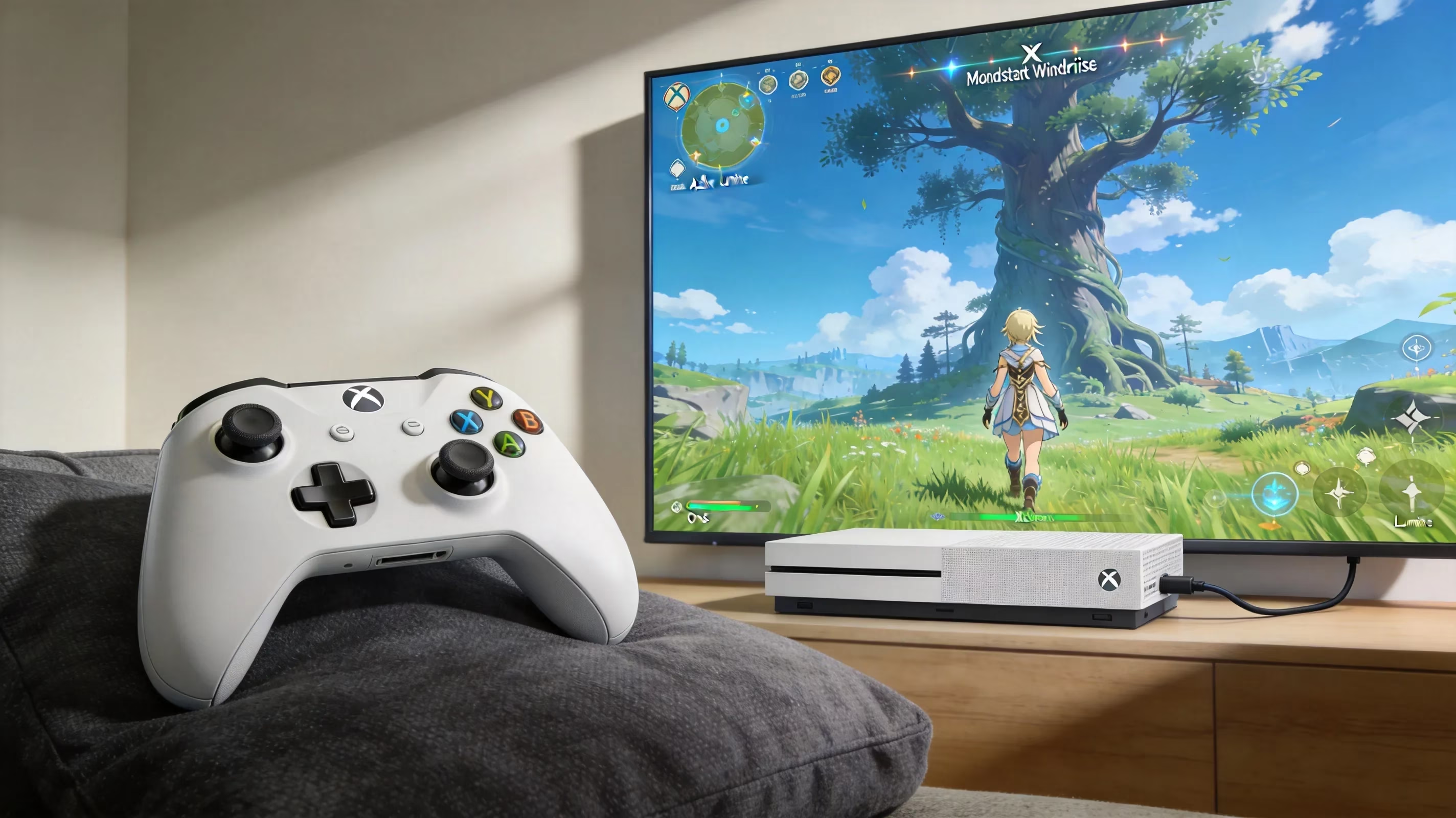
Genshin Impact on Xbox FAQ
Xbox account linking
If you already have a PC or mobile save, linking it to Xbox is easy in theory: just sign into the same HoYoverse account the first time you launch the game on Xbox. The mistake players make most often is letting the game create a new account through Xbox Network credentials instead of logging into HoYoverse first. If you open the game and see a blank save, go straight to Paimon Menu > Settings > Account > User Center and link the correct HoYoverse account before you build progress on the wrong profile.
Avoiding the wrong-account bind is a huge deal because unlinking support is limited. Once your Xbox Network or PSN account is attached to a HoYoverse account, separating them usually means contacting HoYoverse support directly, and there is no guarantee the process will be quick—or even reversible in every case. Some situations also come with a 30-day waiting period before you can relink that platform account somewhere else. The safest move, honestly, is to confirm the exact HoYoverse email you're using in a browser before you ever launch the Xbox version.
Xbox gameplay access
Co-Op Mode unlocks at Adventure Rank 16 on Xbox, exactly the same as every other platform. For a new account, that usually means around 3 to 6 hours of story progression and exploration. There are no Xbox-only restrictions here. Once co-op is unlocked, you can join up with as many as four players in one world using UIDs, including full cross-platform teams.
The same-server rule still applies to everyone. If one player is on North America and another is on Asia, they cannot join each other even if both are playing on Xbox. Server choice is locked when the account is created, and changing it means starting over on a new server profile. So if you already know who you'll be playing with regularly, coordinate that server choice before anyone commits.
As for keyboard and mouse support on Xbox, it is still not available as of mid-2026. The Xbox version only supports controller input natively. If you prefer keyboard and mouse, the PC client is still your best option. At this point, HoYoverse has not indicated that native keyboard-and-mouse support is coming to the Xbox build.
Conclusion
For most players in 2026, Xbox Series X|S is a fully viable way to play Genshin Impact. You get native support, full cross-save, cross-play with every active platform, and on Series X in particular, a very strong 4K/60 FPS experience. If you have current-gen Xbox hardware, this is easily the best Xbox route.
Xbox Cloud Gaming through Game Pass Ultimate makes the most sense for Xbox One owners or anyone who wants flexible access on lower-end devices like tablets, phones, or weaker laptops. It works, and it's officially supported, but the 1080p/60 FPS cap and extra latency mean it's better for laid-back sessions than serious endgame pushing.
If you're moving over from PS4 after the April 2026 shutdown, Xbox Series X|S is one of the smoothest places to land. As long as your HoYoverse account was already linked, your characters, progress, and earned currencies come with you immediately. Genesis Crystals that had already been converted into Primogems remain safe, while any leftover platform-locked currency needed to be used or converted before the PS4 storefront delisting in February 2026. Once your account is linked, getting back into Teyvat on Xbox is basically just a fresh install and a login.